What Does “AI Info” Mean on Instagram?
Last updated:
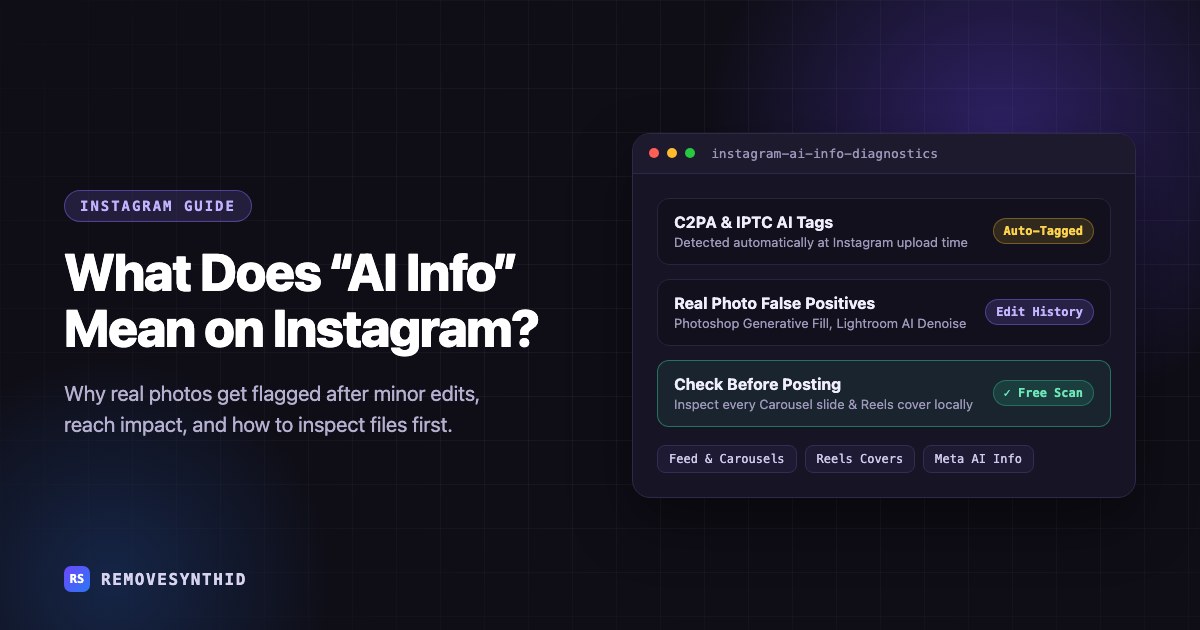
If you have noticed a small “AI Info” label sitting right beneath a username on an Instagram Feed post, Carousel or Reel, you are seeing Meta’s automated AI provenance disclosure. It does not always mean the image was generated from scratch by AI — in many cases, a single retouching step in Photoshop or an AI-assisted mobile editor is enough to trigger it.
Quick answer: what “AI Info” means (and why Meta renamed it)
“AI Info” is Meta’s clickable disclosure label across Instagram, Facebook and Threads indicating that Meta detected industry-standard AI provenance signals in the file — or that the creator manually enabled the AI label before publishing.
Originally, Meta displayed the label as “Made with AI.” After widespread pushback from photographers whose genuine camera shots were tagged simply because they removed a dust spot or stray object with Adobe Photoshop’s Generative Fill, Meta softened the copy to “AI Info.” Clicking the tag opens a short notice explaining that AI may have been used to create or edit the post.
Crucially, renaming the text did not change the automated detection pipeline underneath: Instagram still checks file metadata at upload time and applies the tag without asking the creator to confirm.
The four signals Instagram uses to trigger “AI Info”
Instagram does not guess randomly when attaching the label. Meta documents four primary mechanisms that cause “AI Info” to appear:
| Trigger Source | How Instagram Sees It | Common Tools That Produce It | Can File Cleanup Prevent It? |
|---|---|---|---|
| C2PA Content Credentials | Cryptographically signed JUMBF manifest attached to JPEG/PNG/WebP/MP4 headers | ChatGPT / GPT Image, Google Gemini, Adobe Firefly, Photoshop (Content Credentials on), OpenAI Sora | Yes — deterministic 1:1 metadata strip removes the manifest completely |
| IPTC / XMP AI metadata | DigitalSourceType fields such as trainedAlgorithmicMedia or compositeWithTrainedAlgorithmicMedia | Photoshop Generative Fill/Remove, Lightroom AI Denoise, Canva Magic Edit, phone AI editors | Yes — deterministic metadata strip deletes all XMP/IPTC tags |
| Invisible partner watermarks | Imperceptible signals (such as Google SynthID) embedded in pixels or video frames | Google Gemini, Imagen, Nano Banana, Veo | Pixel/frame rewrite targets this layer, though no tool can guarantee closed classifiers |
| Creator self-disclosure | Manual “Add AI label” toggle turned on in the Instagram composer before publishing | Instagram app upload screen | Controlled directly by the toggle inside Instagram (not inside the file) |
Why 100% real photographs get labeled “AI Info”
One of the biggest surprises for working photographers and small businesses is uploading a genuine DSLR, mirrorless or iPhone photograph and seeing “AI Info” appear immediately. Almost every false positive comes down to invisible edit history written by modern photo editors:
- Photoshop Generative Fill or Remove Tool: Even removing a single power line or extending a sky by 5% adds a compositeWithTrainedAlgorithmicMedia tag and, if enabled, a signed Adobe C2PA manifest.
- Lightroom AI Denoise & Generative Remove: Exporting directly with “All Metadata” enabled can preserve AI editing assertions inside the XMP header.
- Smartphone AI retouching (Google Pixel Magic Editor, Samsung Galaxy AI): Mobile gallery editors increasingly embed IPTC DigitalSourceType or C2PA markers whenever an AI erase or reimagine feature touches the image.
- One flagged slide in a Carousel: On multi-image Instagram Carousels, if 9 photos are completely untouched camera JPEGs and just 1 slide contains a Photoshop AI tag, Instagram can attach “AI Info” to the entire Carousel post.
- Reels cover images: Even a clean camera-shot video can receive the label if its custom cover thumbnail was generated or retouched in an AI tool.
Does the “AI Info” label reduce reach or shadowban posts?
Creators frequently worry that “AI Info” acts as an algorithmic penalty. Here is the honest separation between what is documented and what creators actually experience:
Officially, Meta states that adding the “AI Info” label is an informational transparency feature — not a policy violation — and that labeled posts are not automatically demoted or removed solely for carrying the tag (unless the content separately breaks misinformation, impersonation or safety rules).
In practice, however, human psychology still affects performance. On photography portfolios, product catalogs, editorial shoots or client brand accounts, seeing “AI Info” under a real photograph makes viewers assume the product or scene is fake, which can lower saves, comments and trust — and lower engagement indirectly hurts distribution.
How to diagnose why a photo triggered “AI Info” — and fix it before posting
Instagram does not currently offer a button to strip an automatically applied “AI Info” label after a post is live. If a real photo was mislabeled (or you want to understand what is inside a file before re-uploading), diagnose the file first instead of taking a blurry screenshot:
- Step 1 — Inspect the exact file locally: Drop the photo into our free browser detector (/synthid-detector). In under a second, it tells you whether C2PA Content Credentials, EXIF/XMP AI tags, or a SynthID generator marker are present — and prints the exact matched strings.
- Step 2 — If it is a real photo retouched in Photoshop/Lightroom/Canva: Use our dedicated free C2PA Remover (/c2pa-remover). It runs a pure 1:1 re-encode with zero pixel noise and zero credits, deleting the C2PA and XMP headers while preserving your photo’s sharpness and dimensions.
- Step 3 — If it is a Gemini/Imagen/Veo AI asset: Stripping metadata alone leaves Google’s invisible SynthID pixel signal intact. Use the full remover on the home page for images or /remove-synthid-from-video for short Reels clips.
- Step 4 — Check every Carousel slide and Reels cover: Run the same quick check on every file in the post, then delete the mislabeled post and upload the verified clean export.
- Reminder on disclosure rules: For realistic synthetic video or audio depicting real people or sensitive public events, Meta requires manual self-disclosure regardless of file metadata — always honor applicable platform and legal disclosure policies.
Inspect your Instagram photo before posting
See the exact C2PA manifests and XMP AI tags inside your file locally — free, no sign-in, nothing uploaded.